
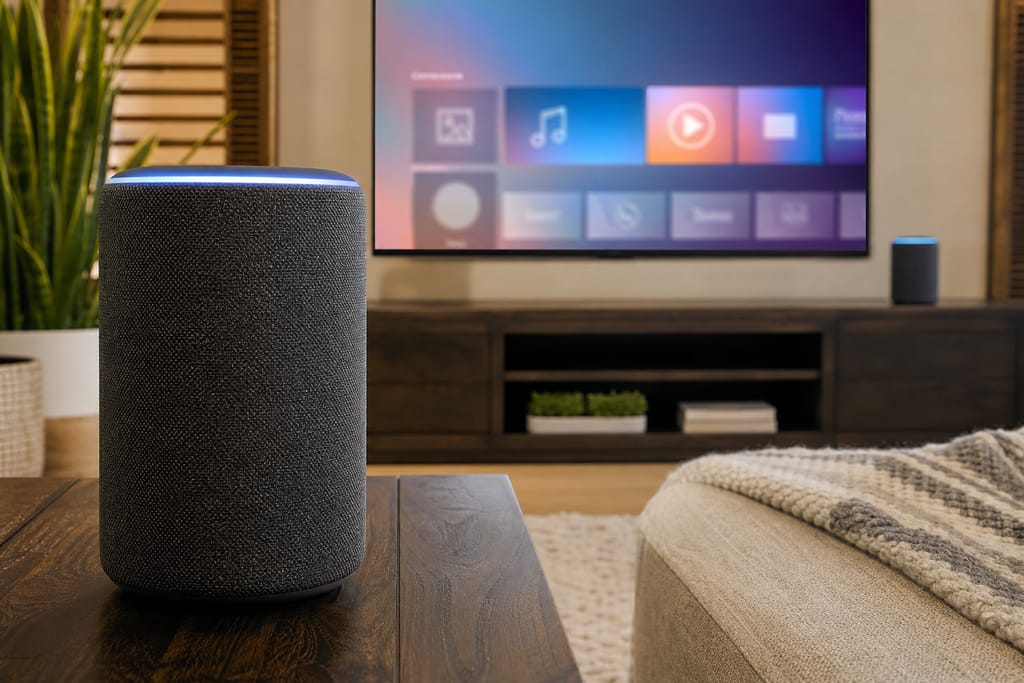
Chandler Smart Home Automation
Home Automation Setup in Chandler, AZ
Home Automation Setup in Chandler: hub setup, device pairing, scene programming, and free estimates.
- 11+ Years local experience
- 200+ Projects completed
- Licensed & Insured
Serving Chandler and nearby communities.
Your smart speaker talks to your lights but not your locks. Your thermostat has its own app. Nobody in the house remembers which button does what anymore.
Home Automation Setup from Chandler Smart Home Automation brings those pieces into one hub, one app, and a set of scenes that actually fire when you want them to. It's the right starting point for homes with a handful of devices already in place, or a first round of smart gear going in.
What's included
What's included
Typically included: Optional: Customer prep:
- Hub selection and setup matched to your existing devices
- Device pairing across lighting, locks, and thermostats
- Wi-Fi and network check to confirm coverage in every room
- Scene and routine programming (morning, away, goodnight)
- Guest access profiles for short-term renters or family
- Voice assistant integration (Alexa, Google)
- Have your current device list and app logins ready
- Note any rooms with known Wi-Fi dead spots
Want a clearer scope?
Get a Free EstimateHow it works
How our Home Automation Setup process works
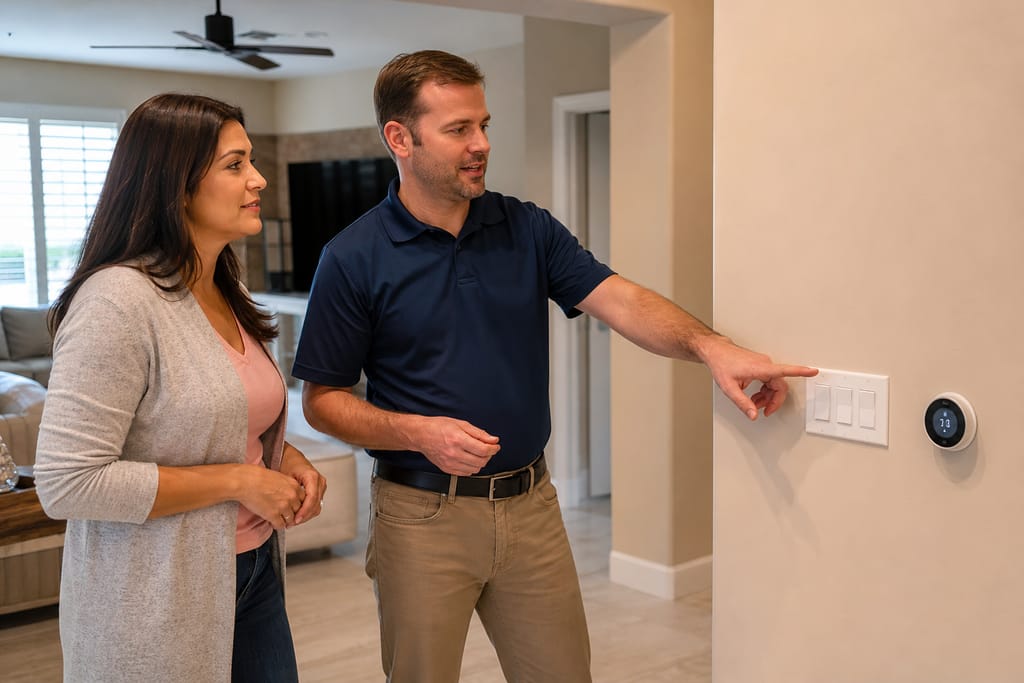 Step 1
Walkthrough
Review existing devices and discuss what you want automated.
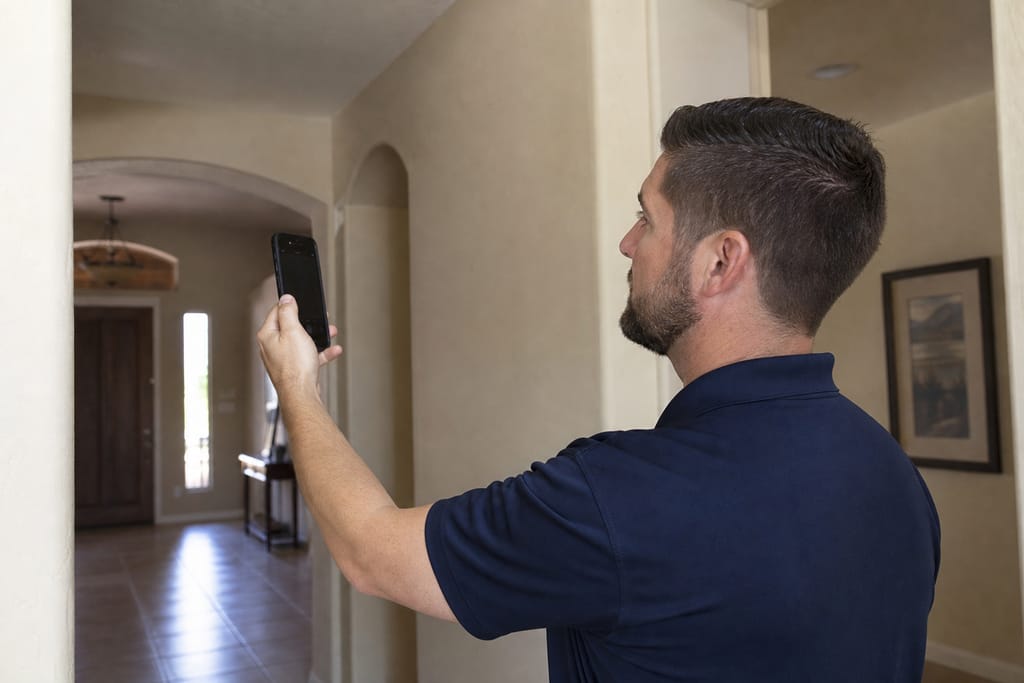 Step 2
Network check
Test Wi-Fi strength room by room, flag weak spots.
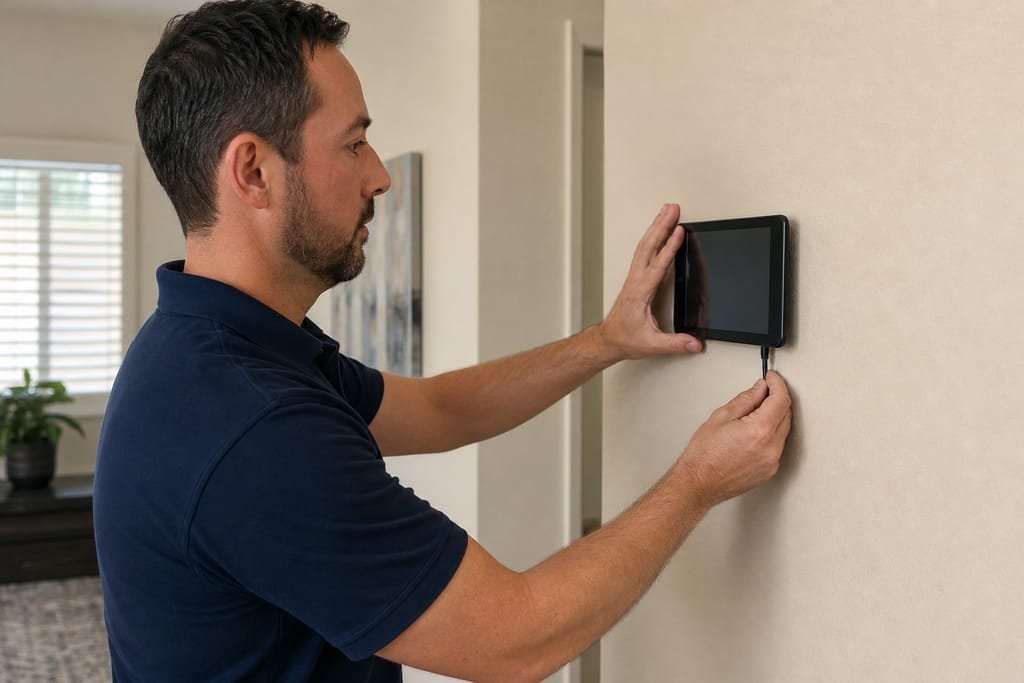 Step 3
Hub install
Set up the central controller and connect to your network.
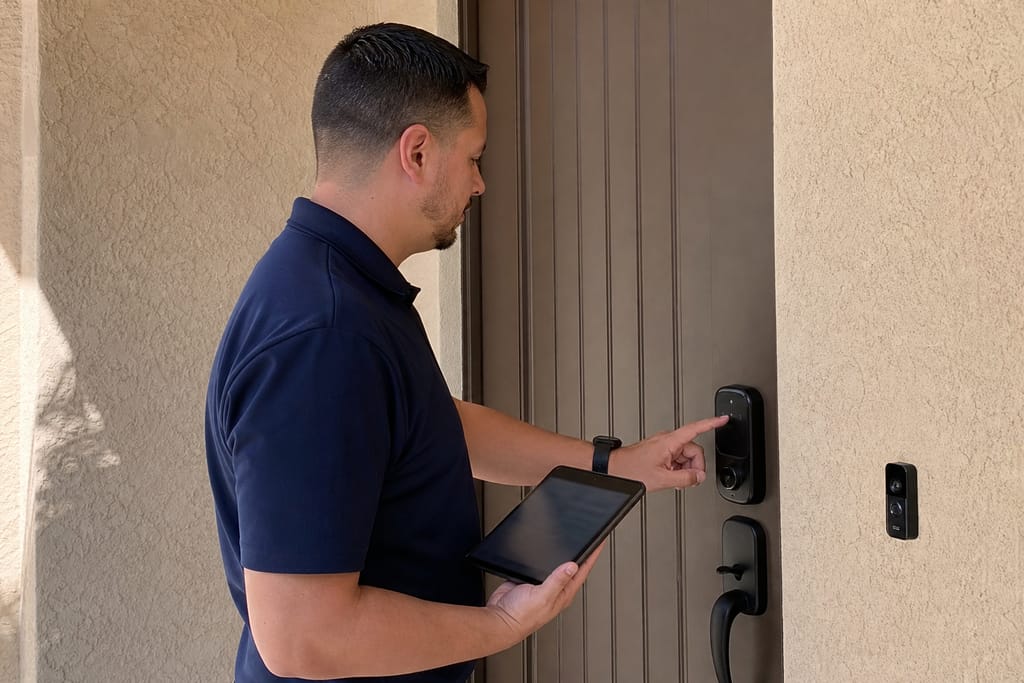 Step 4
Device pairing
Add lights, locks, thermostats, and sensors one by one.
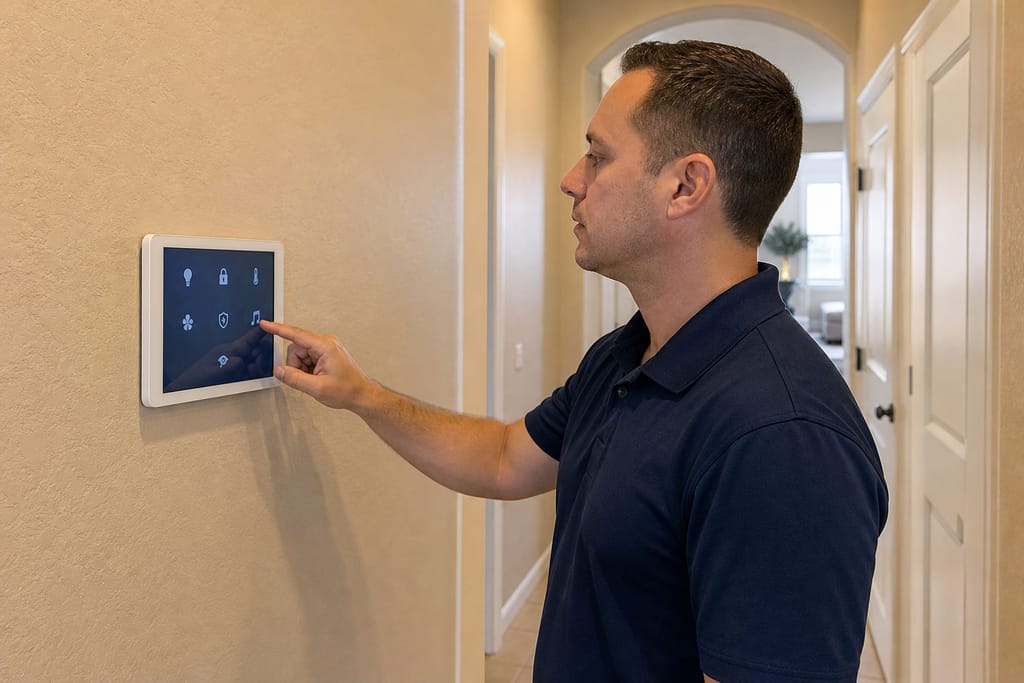 Step 5
Scene programming
Build routines like "goodnight" or "away mode.".
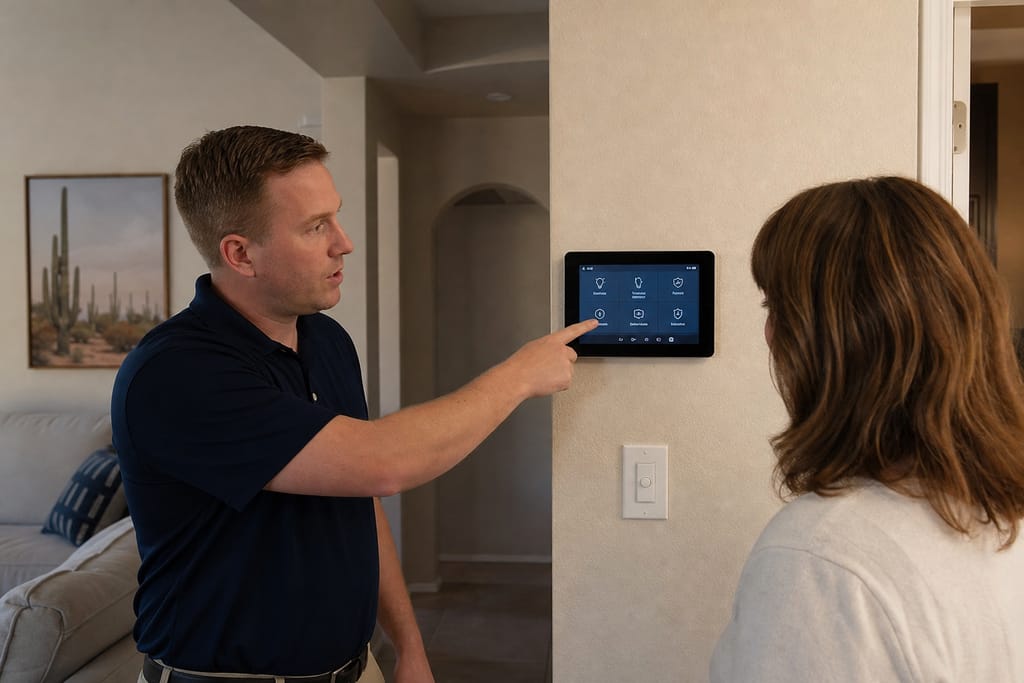 Step 6
Handoff and training
Walk you through the app, test everything together.
FAQs
Home Automation Setup FAQs
Do smart home installers charge by device or by project?
Most jobs are priced by project scope, not a per-device line item. We factor in hub complexity, device count, and whether your home needs new wiring, then give you one number.
Can I add smart home automation to an older house, or does it need new wiring?
Most home automation setups run on existing Wi-Fi and low-voltage devices, no new wiring required. If you want hardwired switches or in-wall sensors, that's a separate conversation during the walkthrough.
Will my smart home system still work if the internet goes down?
Local functions like switches and some locks usually keep working. Cloud-dependent features, like voice control or remote app access, go offline until your connection returns. We can talk through which devices rely on local versus cloud control during setup.
How long does a basic setup take?
A single-day visit covers most homes. Larger device counts or multi-brand hubs can run into a second day.
Is DIY home automation setup a good idea?
A single hub with a few devices is fine to set up yourself. Once you're mixing brands or want scenes that span the whole house, a pro setup avoids the trial-and-error of devices that won't talk to each other.
Cost
What does a Home Automation Setup cost in Chandler?
Pricing depends on device count, hub type, and whether your network needs upgrading first. These are ballpark ranges, not a fixed quote. Call or request a free estimate and we'll scope it from your device list.
| Project type | Typical range | What’s included |
|---|---|---|
| Starter setup | $400–$1,200, | single hub with 5–10 existing devices and basic scenes. |
| Standard setup | $1,200–$2,800, | multi-room device pairing, mesh Wi-Fi check, custom routines. |
| Larger device counts | $2,800–$5,000, | whole-house device integration across multiple brands. |
These are typical local ballparks — final cost depends on scope, materials, and site conditions. A free estimate gives you an accurate, itemized number for your home.
Want a number for your home?
Get a Free EstimateCodes & permits
Permits and codes for Home Automation Setup
Permit rules vary by jurisdiction. Verify specifics with the City of Chandler building department before work starts.
| Typically needs a permit | Often no permit |
|---|---|
| New electrical circuits added for hardwired smart switches | Wi-Fi based hub and device pairing |
| Panel upgrades to support additional smart load | Smart plug |
| — | bulb |
| — | lock installs using existing outlets |
| — | App and scene programming |
Need help with permits?
Get a Free EstimateDIY vs pro
DIY vs hiring a pro for Home Automation Setup
| DIY | Hire a pro |
|---|---|
| Single-room Alexa or Google hub with a couple of devices | Mixing brands that don't talk to each other out of the box |
| Basic smart bulbs or plugs from a big-box store | Whole-home scenes spanning multiple rooms and device types |
| Apps with built-in step-by-step pairing | Network troubleshooting when devices keep dropping connection |
Not sure DIY vs pro?
Get a Free EstimateNext step
Get a Home Automation Setup estimate in Chandler
Call Chandler Smart Home Automation at +1 (480) 680-0154 or request a free estimate. We'll ask about your current devices and quote the setup, not guess at it.
More services
Other Smart Home Automation Installation services
Smart Home Installation
Smart home installation in Chandler covering lighting, locks, climate, and security as one system. Free estimates.
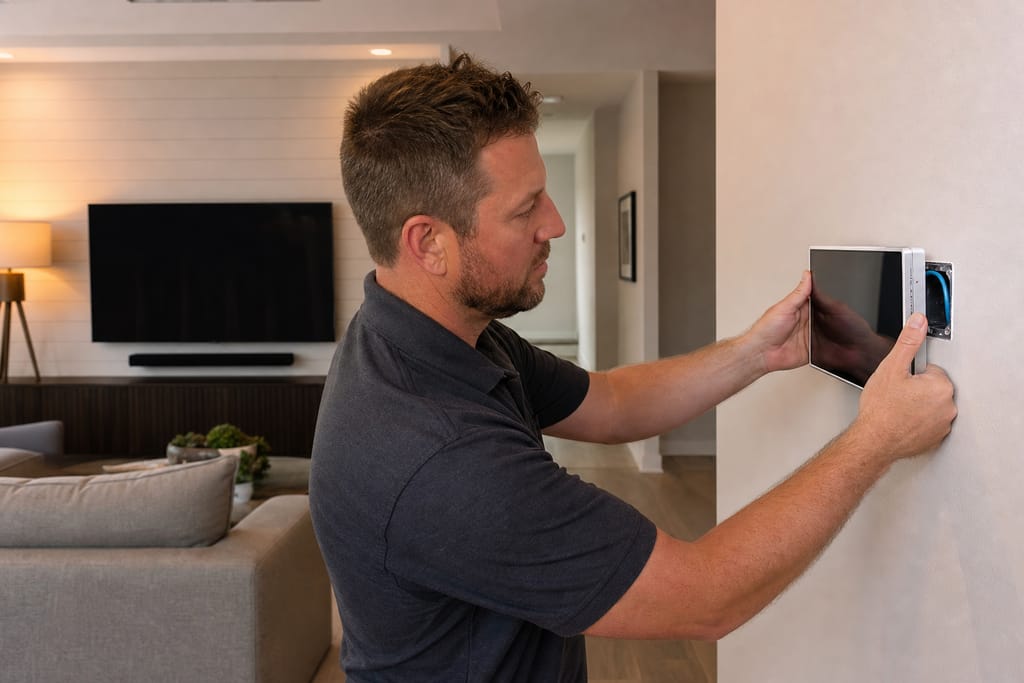
Whole-Home Automation Design & Installation
Whole-home automation design & installation in Chandler: one system for lighting, climate, security, and AV. Free estimates.
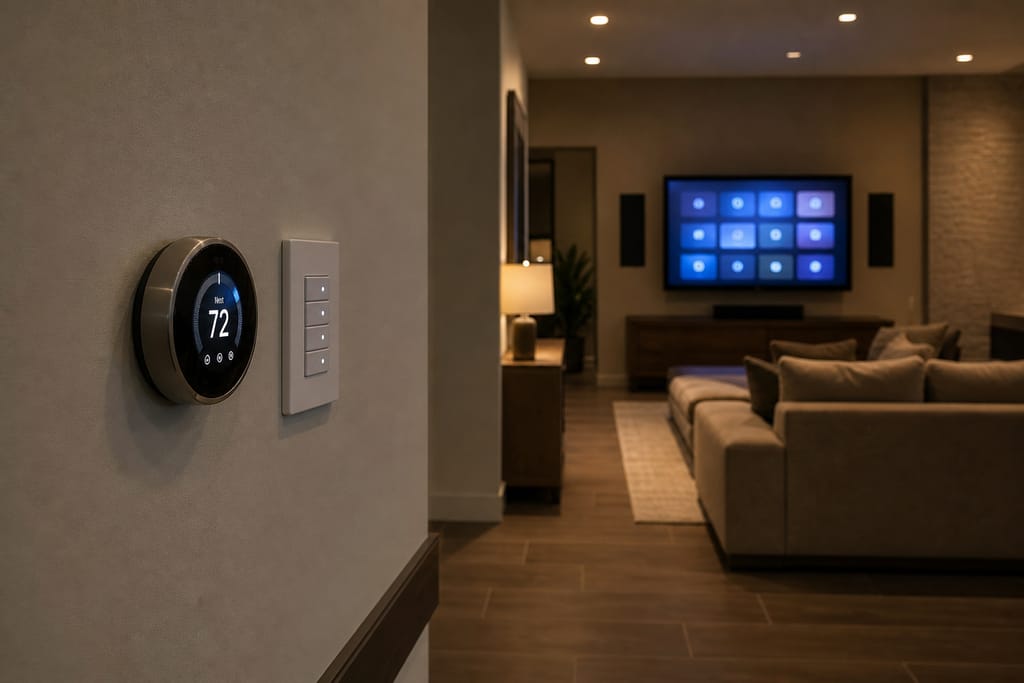
Smart Light Installation
Smart light installation in Chandler: dimmers, switches, and scene programming for remodels and retrofits. Free estimates.
Ask about Home Automation Setup
Tell us about the project and how to reach you.